Image to Prompt Generator
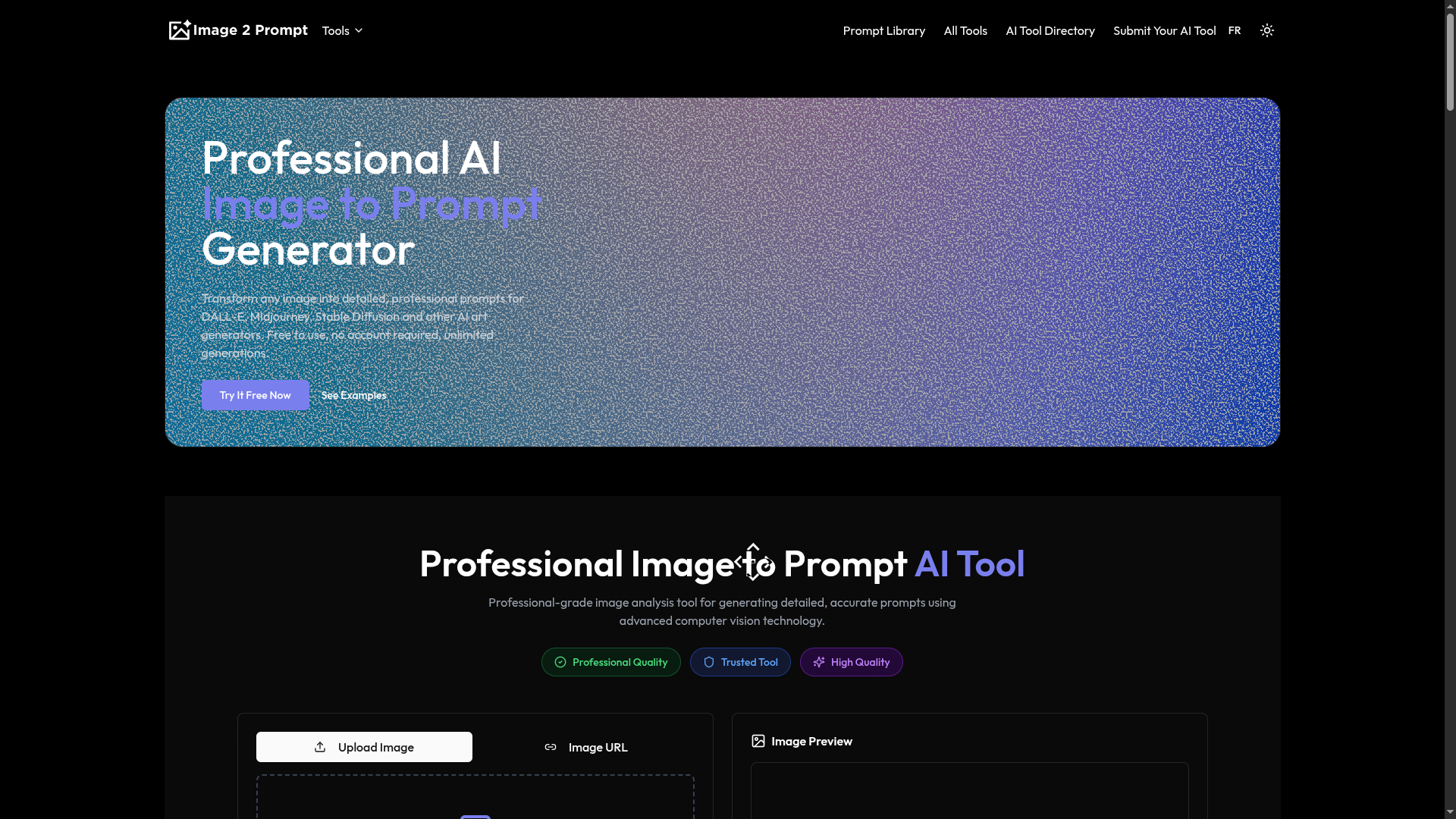
This tool takes any image you upload and turns it into a clear text prompt. You can then use that prompt with AI art makers like DALL-E, Midjourney, or Stable Diffusion to recreate or tweak the picture. Here's how it works: Drop in your image, and the AI scans it for things like colors, shapes, people or objects, background, and overall feel. It spits out a prompt that describes all that in simple words. For example, if you upload a photo of a beach at sunset, you might get something like "a calm sandy beach with gentle waves, orange sky from the setting sun, palm trees swaying, soft lighting, in a photo-real style." No need to sign up or pay anything—it's free and open to everyone. You can do as many images as you want, no limits. It runs right in your browser, so it's quick and easy. The prompts are made to fit most AI generators, with details on style, mood, or even size ratios if needed. You can edit them yourself if you want to add your own twist. People use it for fun stuff like making art from old photos, helping designers brainstorm, or just playing around with ideas. It handles all kinds of images—photos, drawings, even weird abstract ones—and keeps the prompts straightforward. In short, it's a handy way to go from picture to words, making it simple to work with AI art tools.
Short Description: Transform any image into detailed, professional prompts for DALL-E, Midjourney, Stable Diffusion and other AI art generators. Free to use, no account required, unlimited generations.
Use Case 1: Analyzing images to generate descriptive prompts for AI art recreation.
Use Case 2: Assisting in visual content description for design projects.
Use Case 3: Converting photos into text for experimentation with AI generators.
User Ratings
No ratings yet. Be the first to rate this tool!
Rate This Tool
Why Login is Required
To ensure the authenticity and quality of ratings on Aigist.org, we require users to be logged in before submitting a rating. This helps us:
- Prevent duplicate or spam ratings
- Build a trusted community of genuine AI tool users
- Provide you with the ability to update your ratings later
- Create a more reliable rating system for everyone
Rating interface preview (login required to use)