Simple MP3 to Text Online Tool
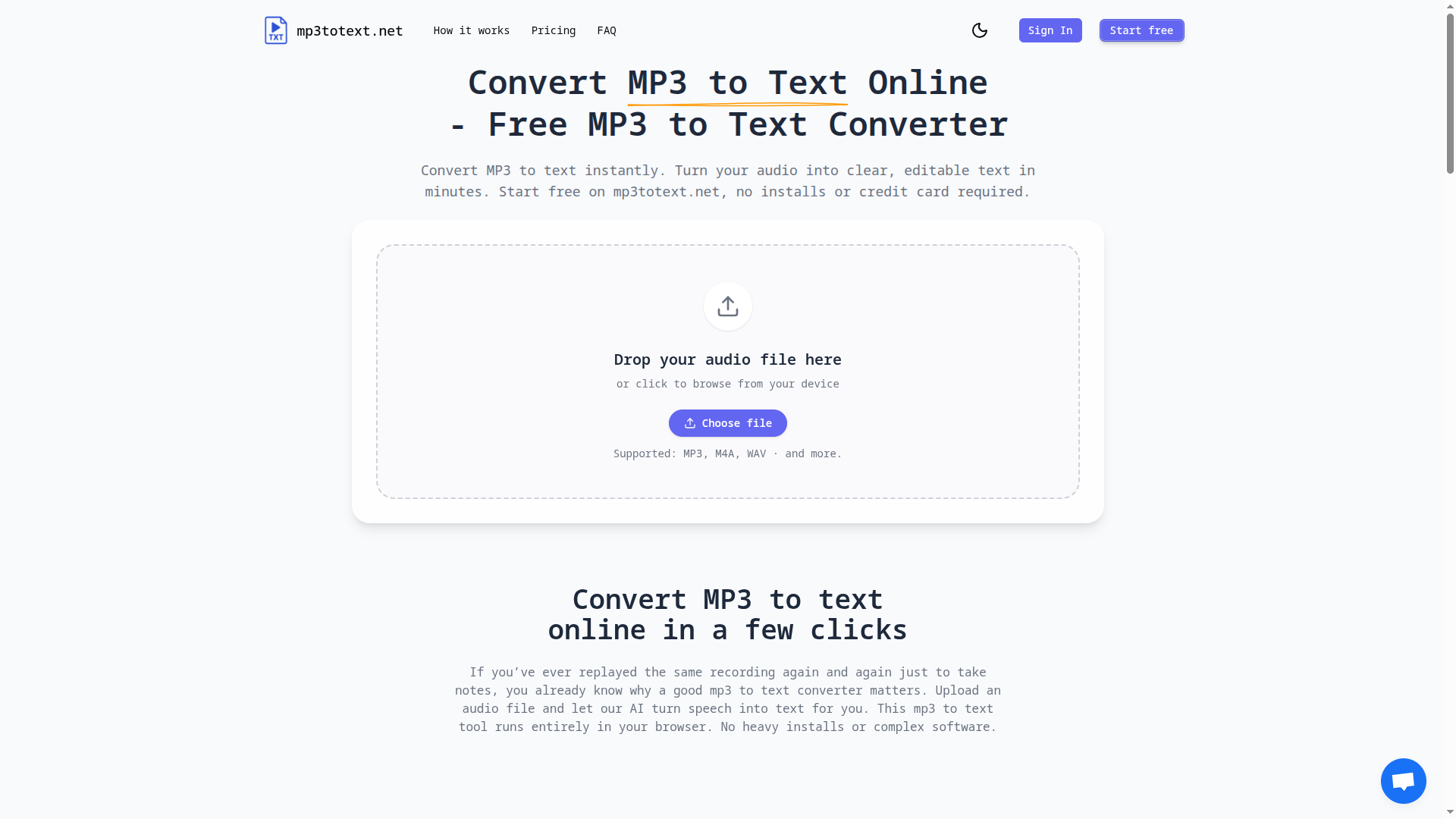
mp3totext.net is a lightweight MP3 to text converter designed for people who actually work with audio every day—students recording lectures, researchers interviewing participants, and solo creators publishing podcasts or videos.
Everything runs in the browser. You don’t need to install software, configure APIs, or learn a complex dashboard. Just upload an MP3 (or other common formats like M4A and WAV), click Transcribe, and get readable text you can paste into your notes, docs, or study tools.
Under the hood, mp3totext.net uses advanced AI transcription to handle real speech, punctuation, and natural pauses, so the output feels like proper writing rather than a raw dump of words. It’s ideal for:
* Lecture and class recordings
* Interview notes for research or journalism
* Podcast clips and YouTube audio
* Language practice, voice memos, and meeting recaps
The pricing is intentionally simple: you start free with 30 minutes of transcription, then upgrade with a one-time Study Pack (5 hours, no automatic renewals, credits never expire). No subscriptions, no hidden charges—just pay once when you know the tool works for you.
If you want a distraction-free way to turn audio into usable text and move on with your real work, mp3totext.net is built for you.
User Ratings
No ratings yet. Be the first to rate this tool!
Rate This Tool
Why Login is Required
To ensure the authenticity and quality of ratings on Aigist.org, we require users to be logged in before submitting a rating. This helps us:
- Prevent duplicate or spam ratings
- Build a trusted community of genuine AI tool users
- Provide you with the ability to update your ratings later
- Create a more reliable rating system for everyone
Rating interface preview (login required to use)